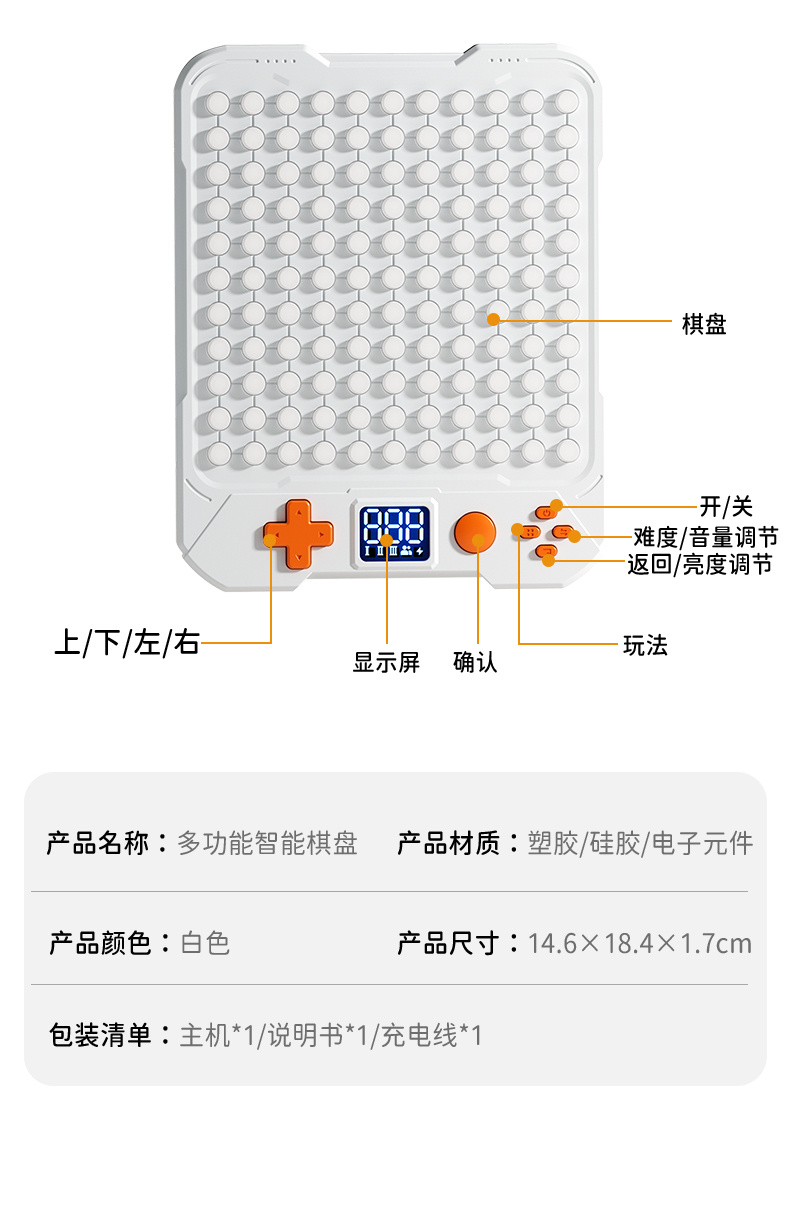
D-pad
Move the cursor, character, or falling piece, and navigate menus.
121 touch pieces, a clear display, and physical controls make every game easy to begin.
First time? Start here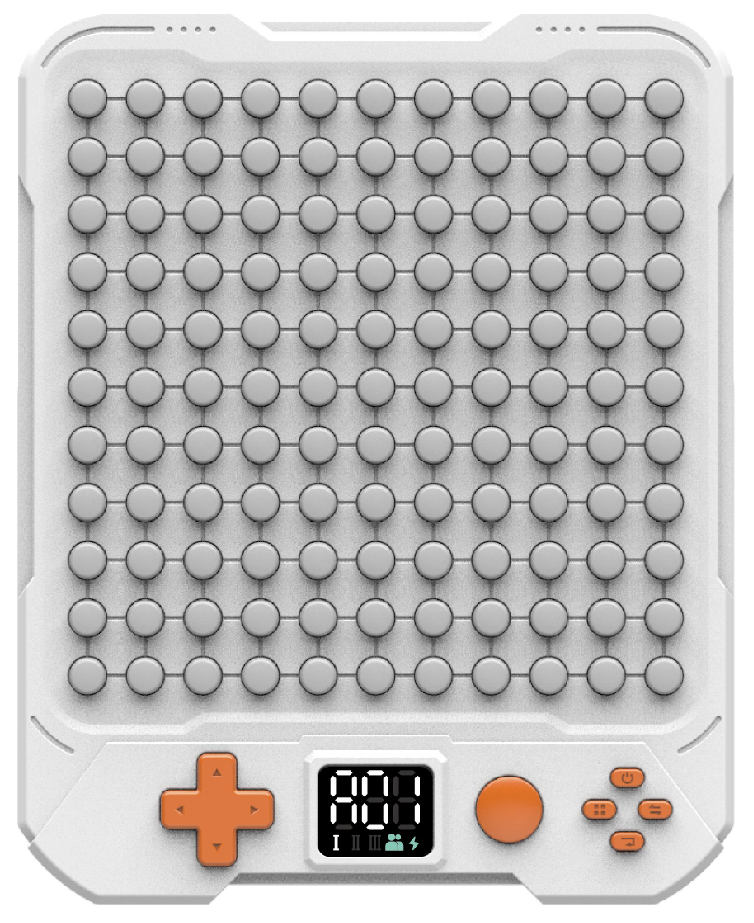
Move the cursor, character, or falling piece, and navigate menus.
Confirm choices, place pieces, or fire. Some games support double-press and hold.
Open the game-selection screen while playing.
Choose a level; hold to adjust volume.
Undo, pause, or go back; hold to adjust brightness.
Hold for about three seconds to turn the board on or off.
Final specifications are subject to the production model and retail packaging.